
How to Change Apple ID Registration in English:A Step-by-Step Guide
Are you an English-speaking user looking to change your Apple ID registration details? Whether you need to update your email address, change your password, or modify other personal information, this comprehensive guide will walk you through the process step by step. Below, we’ll cover everything you need to know about changing your Apple ID registration in English.
Understanding Apple ID Registration
Before diving into the process of changing your Apple ID registration, it’s important to understand what an Apple ID is and why it’s crucial. An Apple ID is an account that gives you access to various Apple services, including the App Store, iTunes Store, iCloud, and more. It’s also used for purchasing content and managing your Apple devices.
Why Change Your Apple ID Registration?
There are several reasons why you might want to change your Apple ID registration details:
- Security: If you believe your account has been compromised, changing your password and email address can enhance your security.
- Privacy: You might want to keep your personal information private and update it to reflect your current situation.
- Service Access: If you move to a new country or region, you may need to update your Apple ID to access services available in your new location.
Step-by-Step Guide to Changing Apple ID Registration in English
Step 1: Go to the Apple ID Website
To begin the process, visit the Apple ID website at appleid.apple.com. This is the official page where you can manage your Apple ID settings.
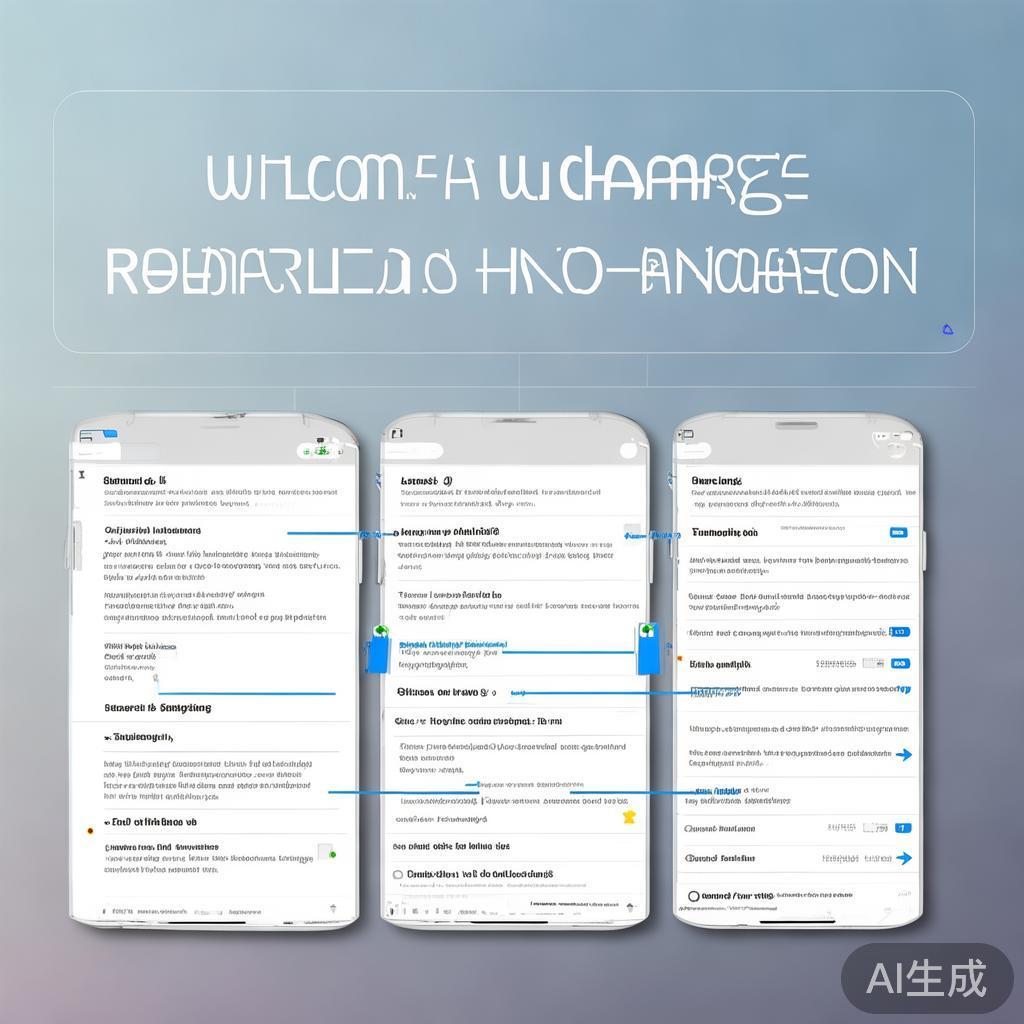
Step 2: Sign In to Your Account
Enter your current Apple ID and password to log in. If you don’t remember your password, you can use the “Forgot Apple ID or password?” link to reset it.
Step 3: Update Your Apple ID
Once logged in, you’ll see a menu on the left-hand side of the screen. Click on “Apple ID” and then select “Update Apple ID.”
Step 4: Change Your Email Address
To change your email address, click on “Edit” next to the current email. You will be prompted to enter a new email address and confirm it. Make sure the new email address is active and accessible, as it will be used for all Apple ID-related communications.
Step 5: Update Your Password
Click on “Edit” next to the current password. You will be prompted to enter your current password for verification. Then, create a new password that meets Apple’s security requirements. It’s important to choose a strong, unique password to protect your account.
Step 6: Update Other Information
You can also update other information such as your name, date of birth, and phone number. Click on “Edit” next to each section and make the necessary changes.
Step 7: Confirm Your Changes
After making all the desired changes, click on “Save” to confirm your updates. You may be prompted to enter your password again for security purposes.
Step 8: Verify Your Changes
Check your new email address for a verification message from Apple. Click on the verification link to confirm your changes.
Additional Tips
- Two-Factor Authentication: If you have two-factor authentication enabled, you will need to enter a verification code sent to your trusted device or phone number to complete the password change.
- Backup Email: Make sure you have access to the backup email address associated with your Apple ID. This can be used to recover your account if you forget your password or lose access to your primary email.
- Contact Apple Support: If you encounter any issues during the process, don’t hesitate to contact Apple Support for assistance.
Conclusion
Changing your Apple ID registration in English is a straightforward process that can be completed in a few simple steps. By following this guide, you can update your email address, password, and other personal information to ensure your Apple ID remains secure and up-to-date. Remember to keep your account information private and secure to protect your digital life.
新版微信轻松注册小号,操作指南与注意事项
下一篇好,我现在需要帮用户写一篇关于如何申请就业补贴的文章。首先,用户给了一个标题和一些基本要求,我得先理解清楚这些要求。标题是申请就业补贴要在哪申请,看起来用户想知道申请就业补贴的地点和流程
相关文章
-
外文在线注册指南,轻松开启国际学术资源之旅详细阅读

随着互联网的普及,越来越多的学术资源和信息平台向全球用户开放,外文在线作为一个集成了大量外文文献、期刊、书籍等资源的平台,对于广大科研工作者、学生以及...
2026-05-02 0
-
如何轻松注册淘宝原创店铺,新手必看注册指南详细阅读

随着电子商务的蓬勃发展,越来越多的人选择在淘宝上开设原创店铺,展示自己的创意和才华,对于新手来说,如何注册一个淘宝原创店铺可能显得有些陌生,本文将为您...
2026-05-02 0
-
如何查询注册道士,全面指南助您找到正宗道教传承者详细阅读

随着道教文化的日益普及,越来越多的人对道教产生了浓厚的兴趣,注册道士作为道教传承者,承担着传播道教文化、弘扬道教精神的重要职责,如何查询注册道士呢?本...
2026-05-02 0
-
火山捕鱼注册指南,轻松开启你的捕鱼之旅详细阅读

随着互联网的普及,各类手机游戏层出不穷,其中火山捕鱼凭借其独特的游戏玩法和精美的画面,吸引了大量玩家,如何注册火山捕鱼账号,开始你的捕鱼之旅呢?以下是...
2026-05-02 1
-
物业社注册指南,轻松入门,开启您的物业事业之旅详细阅读

随着我国城市化进程的加快,物业管理行业日益繁荣,物业社作为物业管理的重要组成部分,其市场前景广阔,如何注册一家物业社呢?本文将为您详细解析物业社注册的...
2026-05-02 0
-
湖南六三六注册指南,轻松开启您的便捷生活详细阅读
随着互联网的快速发展,越来越多的生活服务开始线上化,湖南六三六作为一款集生活缴费、购物、出行、娱乐等功能于一体的综合性服务平台,深受广大用户的喜爱,如...
2026-05-02 0
-
如何轻松查找注册编码,全面解析查询方法与技巧详细阅读

随着社会经济的快速发展,注册编码已经成为企业和个人在经营活动中不可或缺的重要信息,注册编码,即企业或个体工商户的统一社会信用代码,是政府部门对企业或个...
2026-05-02 2
-
如何轻松重新注册征文活动,步骤详解与技巧分享详细阅读

在信息时代,征文活动作为一种常见的文化活动,不仅能够激发人们的创作热情,还能促进文化交流,由于各种原因,有时我们需要重新注册参加征文活动,怎么重新注册...
2026-05-02 4